Connect your Android watch to iPhone or Android

Pair your Android watch with your iPhone.

Keep the watch you love with the phone you admire. Install Bridge on both your phone and your watch for notifications, health sync, media playback, remote camera control, and Watch File Manager.

Install on both your phone and watchNo watch reset neededNo Account Required
Explore the 5 Core Capabilities
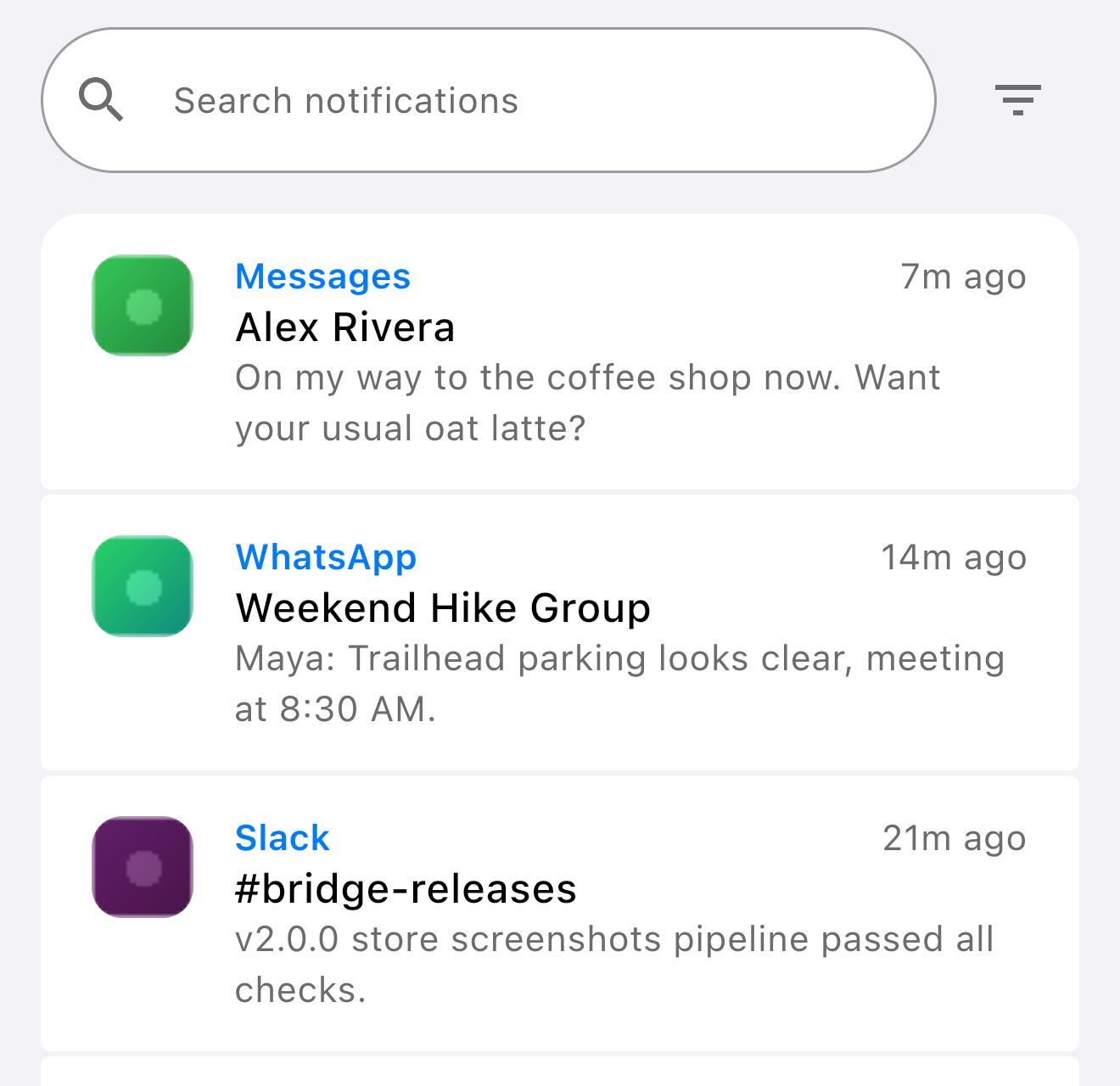
Bridge notification preferences showing two-way sync and app grouping
Phone App - Notification Controls
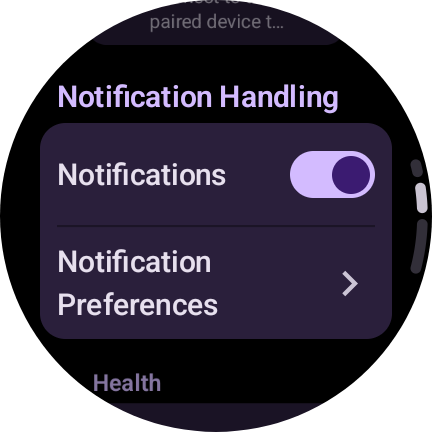
Bridge watch screen showing notification handling
Watch - Notifications

App-level notification control, grouping by app, two-way dismissal sync (clear once to dismiss on both), and searchable notification history.

Core Capabilities

Everything your Android watch and phone need together.

See how Bridge looks on your iPhone and Android watch.

01 - Notifications

App-Level Control, Grouping & Two-Way Dismissal Sync

Read full messages on your watch, group alerts by app, dismiss once to clear both devices, mute noisy apps, and search your notification history on your phone. Note: Apple restricts third-party watches from sending message replies on iPhone.

  • App-Level Control: Choose exactly which phone apps can send notifications to your watch.
  • Grouping by App: Bundle multiple messages from the same app into a single expandable card on your watch.
  • Two-Way Dismissal Sync: Dismissing an alert on your phone clears it on your watch, and vice versa if you enable it.
  • Notification History: Search and review past notifications right inside the phone app.
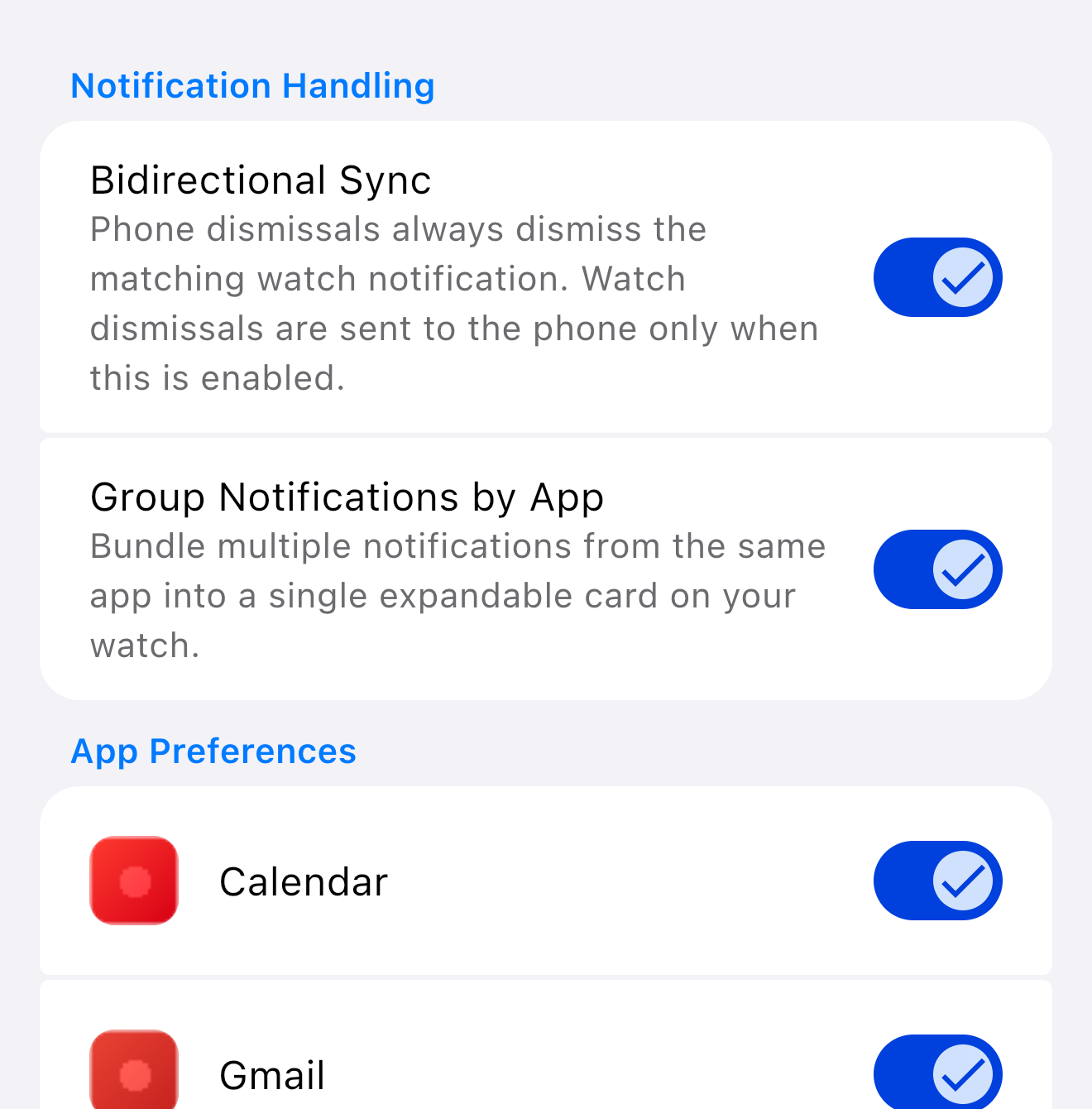
Bridge notification preferences showing two-way sync and app grouping
Bridge searchable notification history screen
02 - Watch File Manager

Apps (Install / Remove / Export) & Files

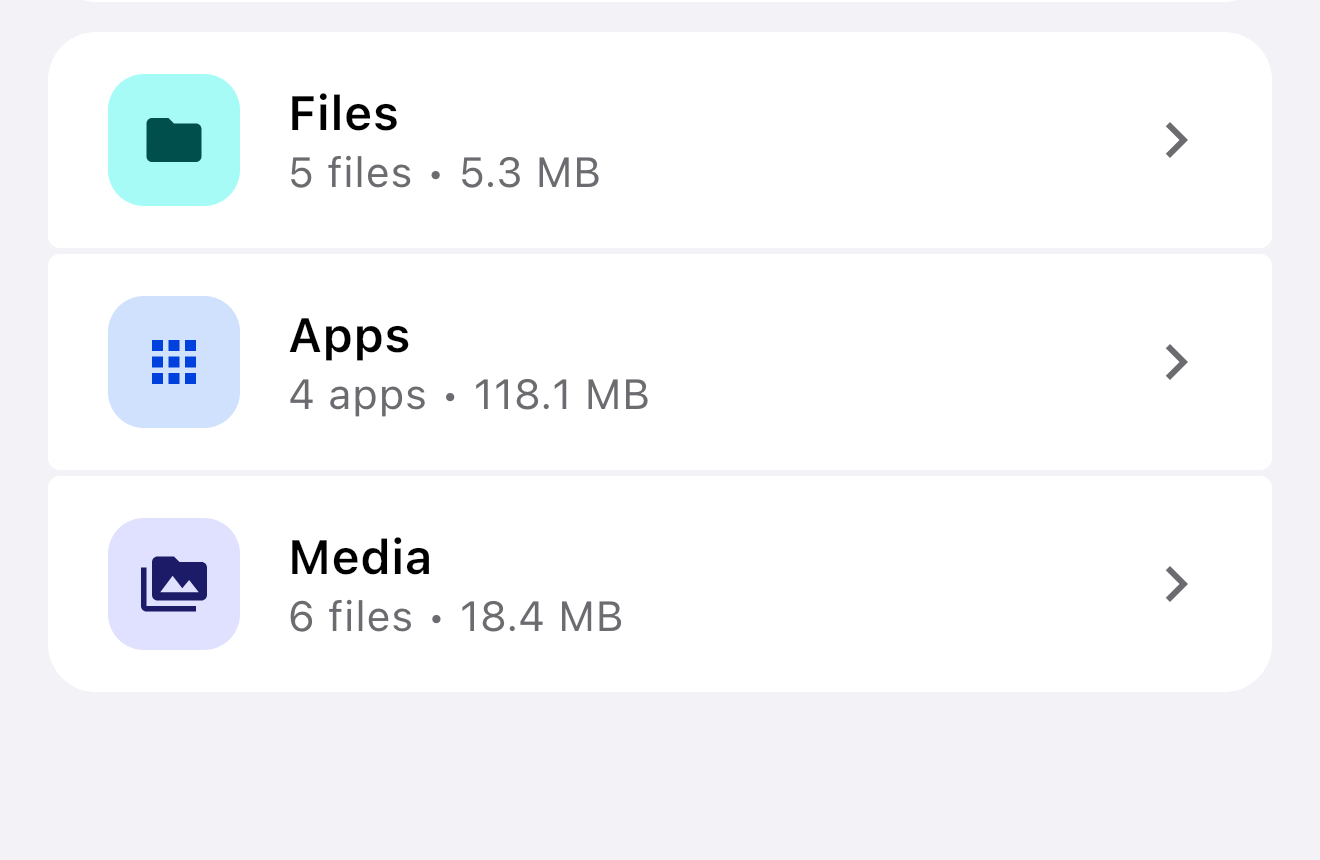
Manage watch apps (install, remove, back up, or share wirelessly) and download watch screenshots and files directly to your phone over Bluetooth.

  • Apps (Install / Remove / Export): Browse installed watch apps and install, remove, back up, or share watch apps wirelessly.
  • Files & Screenshots: Browse watch folders and download watch screenshots, photos, audio, and files directly to your phone.
Bridge Watch File Manager showing Files, Apps, and Media folders
03 - Health & Wellness

Health Data Collection on Watch & Phone Sync

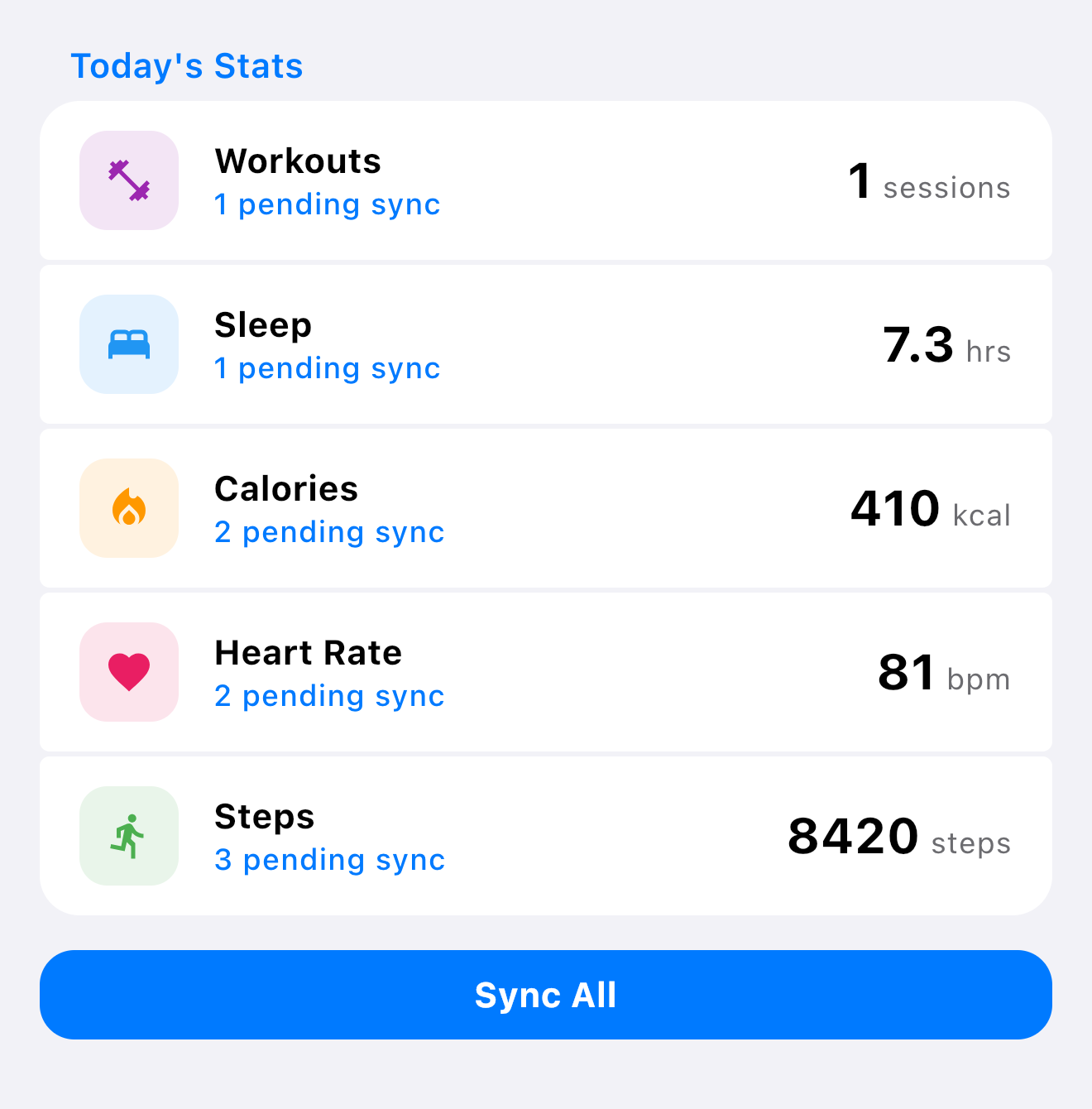
Automated health data collection on your watch covering steps, heart rate, sleep, workouts, and calories, with on-demand or automatic sync to your phone, AI Sleep Stage Calculations, and GPS Workout Routes.

  • Health Data Collection on Watch: Tracks steps, heart rate, sleep, workouts, and calories automatically on your wrist.
  • Manual & Automatic Phone Sync: Sync health records on-demand or automatically to Apple Health and Health Connect.
  • AI Sleep Stage Calculations: Review Awake, Light, Deep, and REM sleep stage estimates.
  • GPS Workout Routes: View recorded outdoor workout paths right on your phone.
Bridge health summary showing workouts, sleep, calories, heart rate, and steps
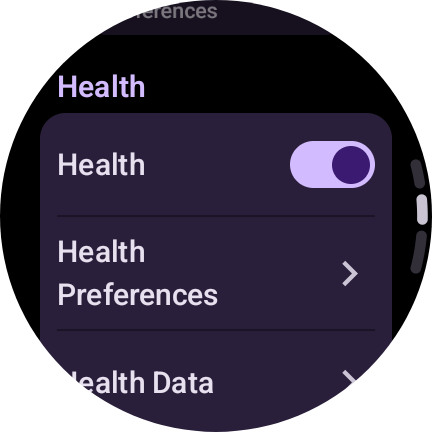
Bridge watch health dashboard
04 - Media Playback

Media Playback & Volume Control

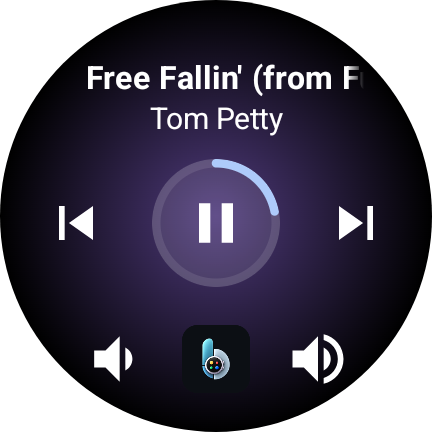
Play, pause, skip tracks, and adjust phone playback volume directly from your wrist.

Watch media playback and volume controls
05 - Remote Camera

Remote Camera Control from Watch

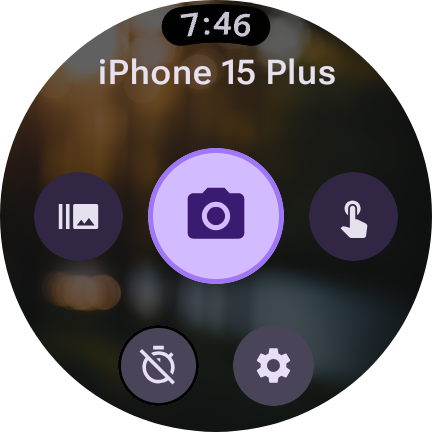
Control your phone camera from your watch with single-shot capture, countdown timer, burst mode, and hold-to-shoot.

Watch remote camera shutter control
06 - Contacts, Calls & Ring Device

Contact Sync, Call Connectivity & Ring Device

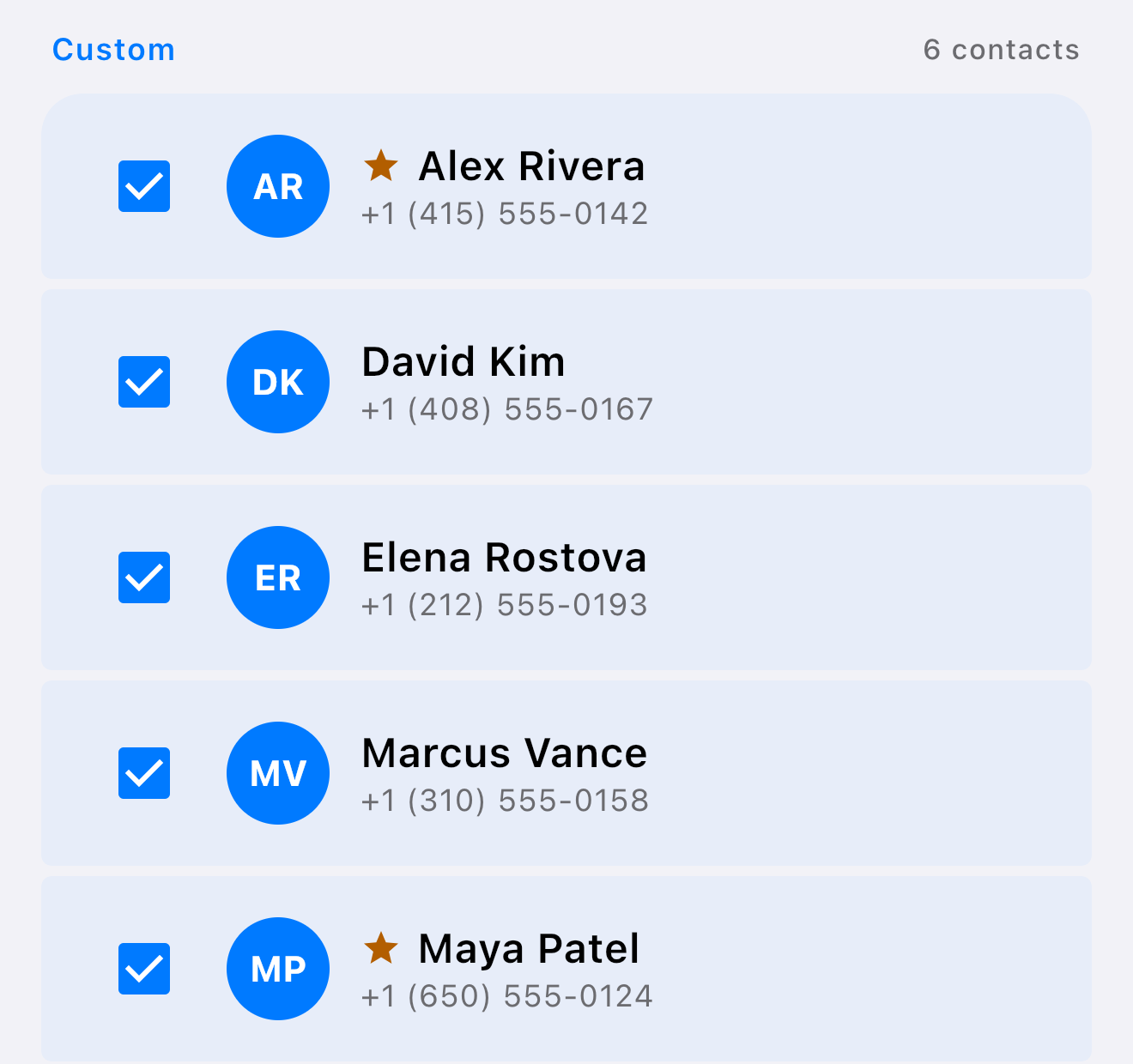
Sync favorite contacts so caller names stay accurate, monitor Bluetooth call audio connectivity, and ring your misplaced watch or phone anytime.

  • Contact Sync: Keep favorite contacts synced to your watch so caller names stay accurate.
  • Call Connectivity: Monitor and maintain Bluetooth call audio connectivity between your watch and phone.
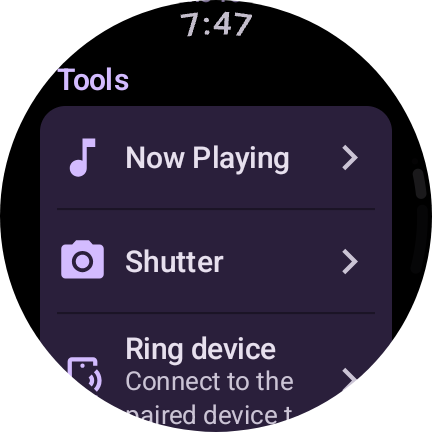
  • Ring Device: Ring your misplaced watch from your phone or ring your phone from your watch anytime.
Bridge contact sync selection list
Watch tools showing Ring device option
Two Simple Plans

Start for free, upgrade when ready.

Use Starter for free with everyday watch essentials, or upgrade to Premium for automation, Watch File Manager, and advanced insights.

Starter

$0

Free forever for essential Android watch to iPhone or Android connectivity.

  • Pair 1 Android smartwatch
  • Real-time notifications with app-level control, grouping & two-way dismissal sync (clear once to dismiss on both)
  • Health Data Collection on Watch (steps, heart rate, sleep, workouts, calories)
  • Manual Health Sync to Phone
  • Media Playback and Volume Control
  • Remote Camera Control from Watch
  • Contact Sync & Ring Device
Start for Free

Starter vs. Premium comparison

FeatureStarter ($0)Premium ($1.99/mo or $19.99/yr)
Real-time notifications, app-level control, grouping & two-way dismissal syncIncludedIncluded
Notification History (searchable on phone)-Included
Health Data Collection on WatchIncludedIncluded
Health Sync to PhoneManualAutomatic
AI Sleep Stage Calculations-Included
GPS Workout Routes-Included
Media Playback and Volume ControlIncludedIncluded
Remote Camera Control from WatchIncludedIncluded
Contact Sync & Ring DeviceIncludedIncluded
Call Connectivity-Included
Watch File Manager (Apps: Install/Remove/Export & Files: Download Screenshots)-Included
Multi-watch pairing1 watchMultiple watches

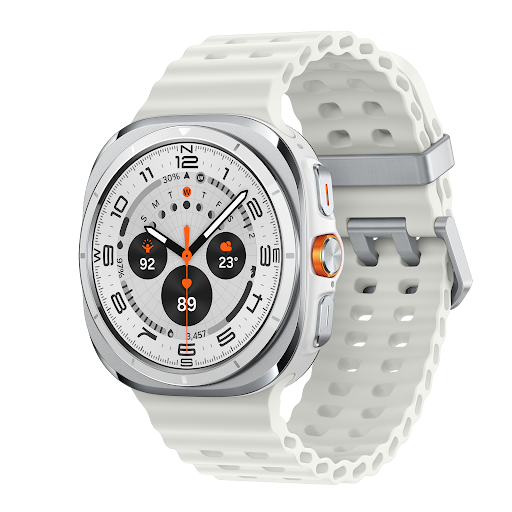
Compatible Android smartwatches (Wear OS 4.0 or newer)

Samsung Galaxy Watch Ultra
Galaxy Watch UltraAll Ultra models
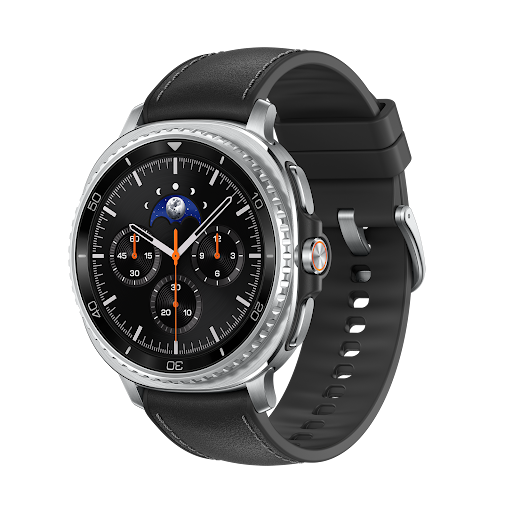
Samsung Galaxy Watch Classic
Galaxy Watch ClassicWatch4, 6 & 8 Classic
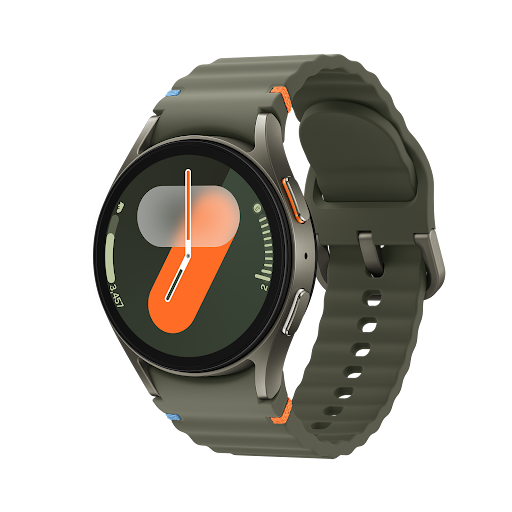
Samsung Galaxy Watch 4+
Galaxy Watch 4+4, 5, 6, 7, 8 & FE
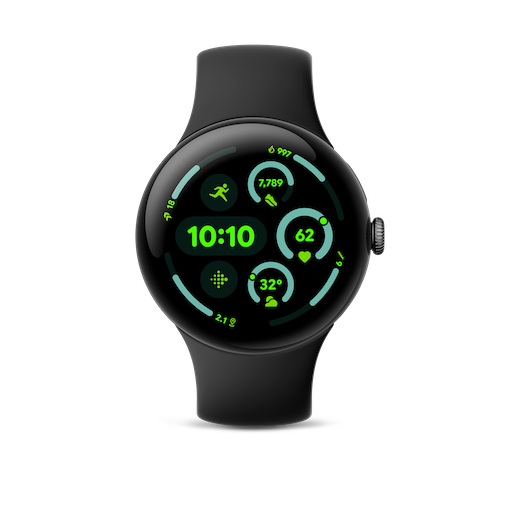
Google Pixel Watch
Pixel WatchPixel Watch 1, 2 & 3
TicWatch and Xiaomi Watch
TicWatch & XiaomiWear OS 4.0 or newer

Pairs with iPhone (iOS 15.0+) and Android (Android 8.0+). Older pre-2021 Samsung watches (Galaxy Watch 3 and earlier) and dual-system Oppo/OnePlus watches (such as OnePlus Watch 2/3) are not officially supported.

Answers

Frequently asked questions

Do I need to install Bridge on both my phone and my watch?

Yes. Install Bridge on your iPhone (App Store) or Android phone (Google Play), and on your Android smartwatch (Google Play). If your watch is brand new in the box, complete its initial watch setup once so Google Play is available on the wrist.

Can I reply to iMessages or WhatsApp from my watch on iPhone?

You can read full messages on your watch, group notifications by app, use two-way dismissal sync (clear once to dismiss on both), and mute specific apps. Apple restricts third-party smartwatches from sending message replies on iPhone.

Do I need an account or cloud server to sync my data?

No. Notifications, contacts, health records, and Watch File Manager transfers move directly between your watch and phone over Bluetooth with no external cloud account.

Keep the watch you love with the phone you admire.

Install Bridge on both your phone and your Android smartwatch. Keep the iPhone app open while pairing.